
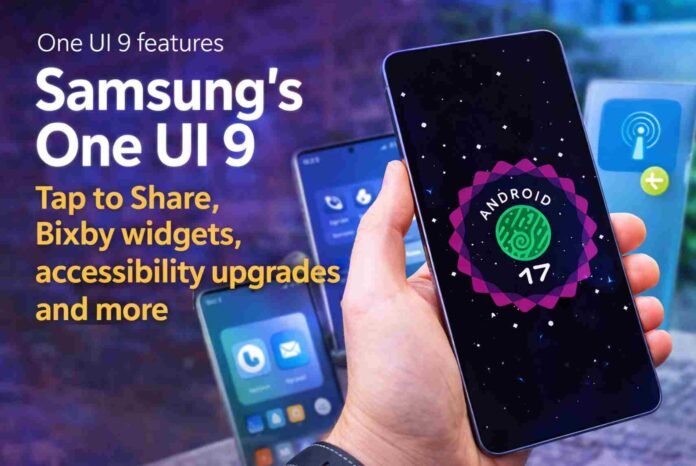
- Tap to Share enables instant file transfer using NFC by simply tapping devices
- New Bixby widgets offer faster voice and text interaction from the home screen
- Warranty and Care hub centralizes support, diagnostics, and repair info
- Accessibility and UI refinements improve everyday usability without major redesign
Samsung’s next major software update, One UI 9, is beginning to reveal its direction as newer test builds emerge. Early versions that surfaced weeks ago didn’t offer much insight, largely because they were still running on Android 16. That has now changed. The latest internal builds are based on Android 17, and they bring a clearer picture of what Samsung is aiming for with its next-generation interface.
What stands out immediately is that Samsung isn’t chasing radical redesigns. Instead, the company appears focused on practical improvements, tighter system integration, and usability refinements. This approach aligns with its recent software philosophy, where stability and everyday convenience take priority over flashy changes.
Tap to Share and smarter device interaction
One of the most notable additions is Tap to Share. The feature builds on NFC capabilities, allowing users to transfer files simply by tapping two devices together. It sounds simple, but the execution is what makes it interesting. On the Galaxy S26 series, users can initiate transfers by tapping either the back or even the top edge of the phone, thanks to multiple NFC antenna placements.
This could make file sharing quicker and more intuitive than current wireless methods that rely on menus and confirmations. It also signals Samsung’s continued effort to streamline interactions between devices, especially as ecosystems become more interconnected.
Alongside this, Quick Share appears to be evolving into a more central hub for file transfers, with Tap to Share integrated directly into its workflow rather than existing as a separate feature.
Bixby gets a subtle but useful refresh
Bixby is also getting attention, though not in the way many might expect. Instead of major AI breakthroughs, Samsung is improving accessibility through new home screen widgets. These widgets allow users to interact with Bixby more quickly, whether through voice or text.
The smaller widget options provide quick shortcuts, while the larger version includes a full input bar for typing commands. It is a small change on paper, but it removes friction for users who rely on voice assistants for routine tasks.
Samsung is also integrating Bixby into system-level features like support and diagnostics. This suggests a broader role for the assistant, positioning it as a help interface rather than just a command tool.
A centralized support experience and accessibility upgrades
Another practical addition is the new Warranty and Care section within device settings. This acts as a central hub for device support, combining warranty details, repair information, diagnostics, and even remote assistance options in one place.
What makes this feature stand out is how it simplifies something that is usually scattered across apps and websites. Users can check their device status or troubleshoot issues without leaving the settings menu. The inclusion of voice assistance through Bixby further enhances its accessibility.
Speaking of accessibility, One UI 9 introduces new features designed to make devices easier to use for a wider audience. Select to Speak allows users to tap on-screen elements to have them read aloud, while Text Spotlight improves readability by enlarging and highlighting text.
Interestingly, some of these features were previously only available through external apps. By bringing them directly into the system, Samsung is making accessibility more seamless and easier to discover.
Subtle UI tweaks and what’s still to come
Visually, One UI 9 is evolving rather than transforming. Samsung continues to experiment with interface elements, such as enlarging brightness and volume sliders in the Quick Panel. These changes may seem minor, but they improve usability, especially on larger screens.
There are also hints that Samsung is still testing different UI variations, which means the final version could look slightly different by the time it rolls out publicly.
As expected, many features are still under wraps. Samsung is likely saving some of its more advanced capabilities, particularly those related to Galaxy AI, for a later stage. The official debut is expected alongside upcoming foldable devices, which traditionally serve as a launch platform for major software updates.
For now, One UI 9 is shaping up to be a thoughtful update that focuses on refinement, smarter interactions, and practical enhancements rather than sweeping changes.
Follow TechBSB For More Updates

